EduApplify
FeaturesHow it worksPricingTutorialsFAQ
EN·中文
Sign inStart free

Tutorials

Learn EduApplify, one step at a time

Short guides with real screenshots — from creating your organization to filling a university portal. Pick a topic or start at the top.

Start here

Two short paths through the essentials. Your progress is kept in this browser.

New organization

From signing up to your first student's university forms.

0 of 6 read
  1. 1Create your organization3 min
  2. 2Set up your organization5 min
  3. 3Add universities and programmes5 min
  4. 4Add a student5 min
  5. 5Fill the application from documents5 min
  6. 6Generate a university's own forms5 min
Start: Create your organization

Partner desk

Everything a partner does: students, their papers, fees and portals.

0 of 5 read
  1. 1Your partner desk6 min
  2. 2Fill in the application form5 min
  3. 3Fill the application from documents5 min
  4. 4Documents and application fees6 min
  5. 5Fill university portals with the extension4 min
Start: Your partner desk

All tutorials

Showing 2 tutorials

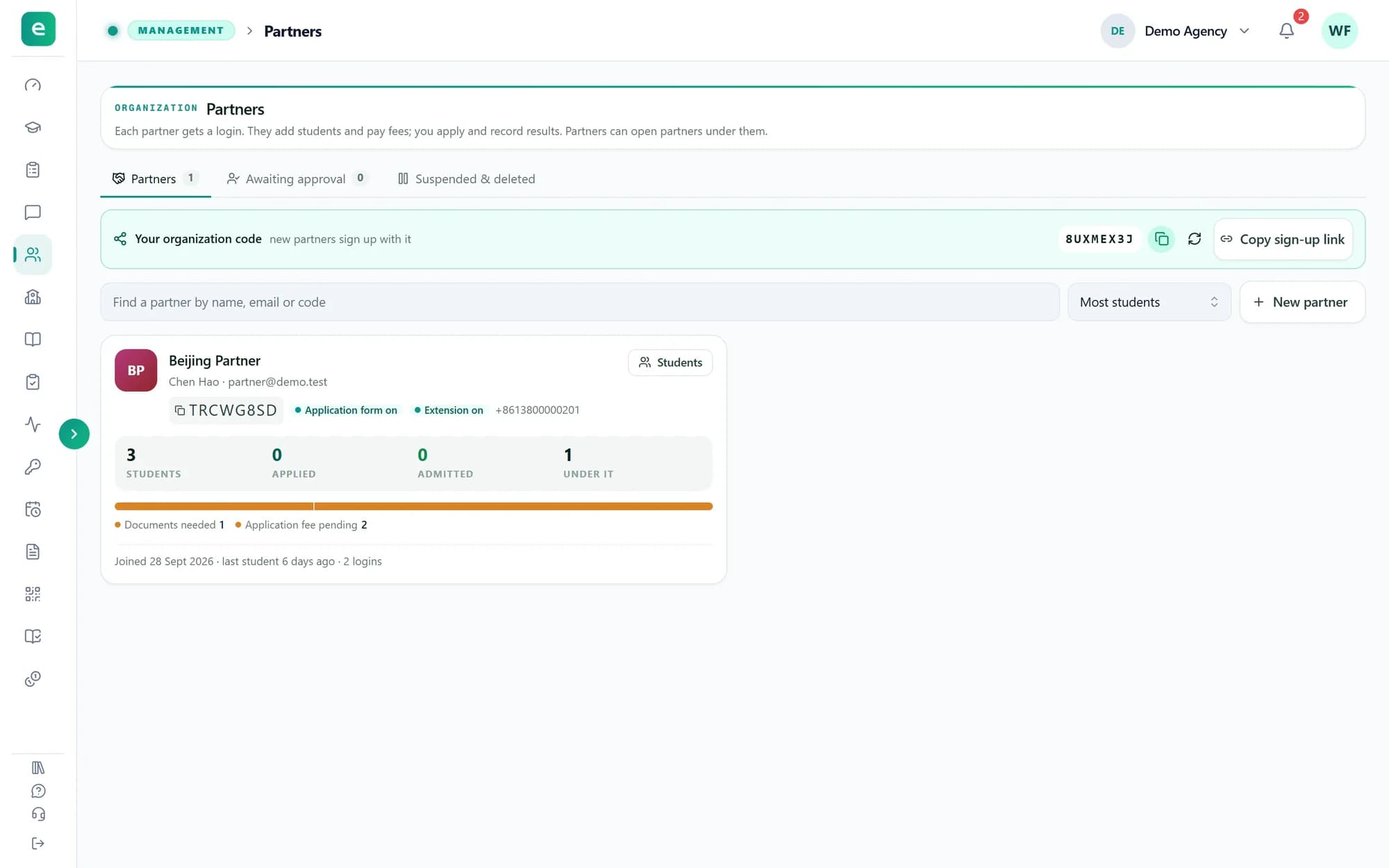
  • Partners

    Work with partners

    Bring partner agencies in with your code or a login you create, approve them, and choose what each one may use.

    5 minFor organizations
  • Partners

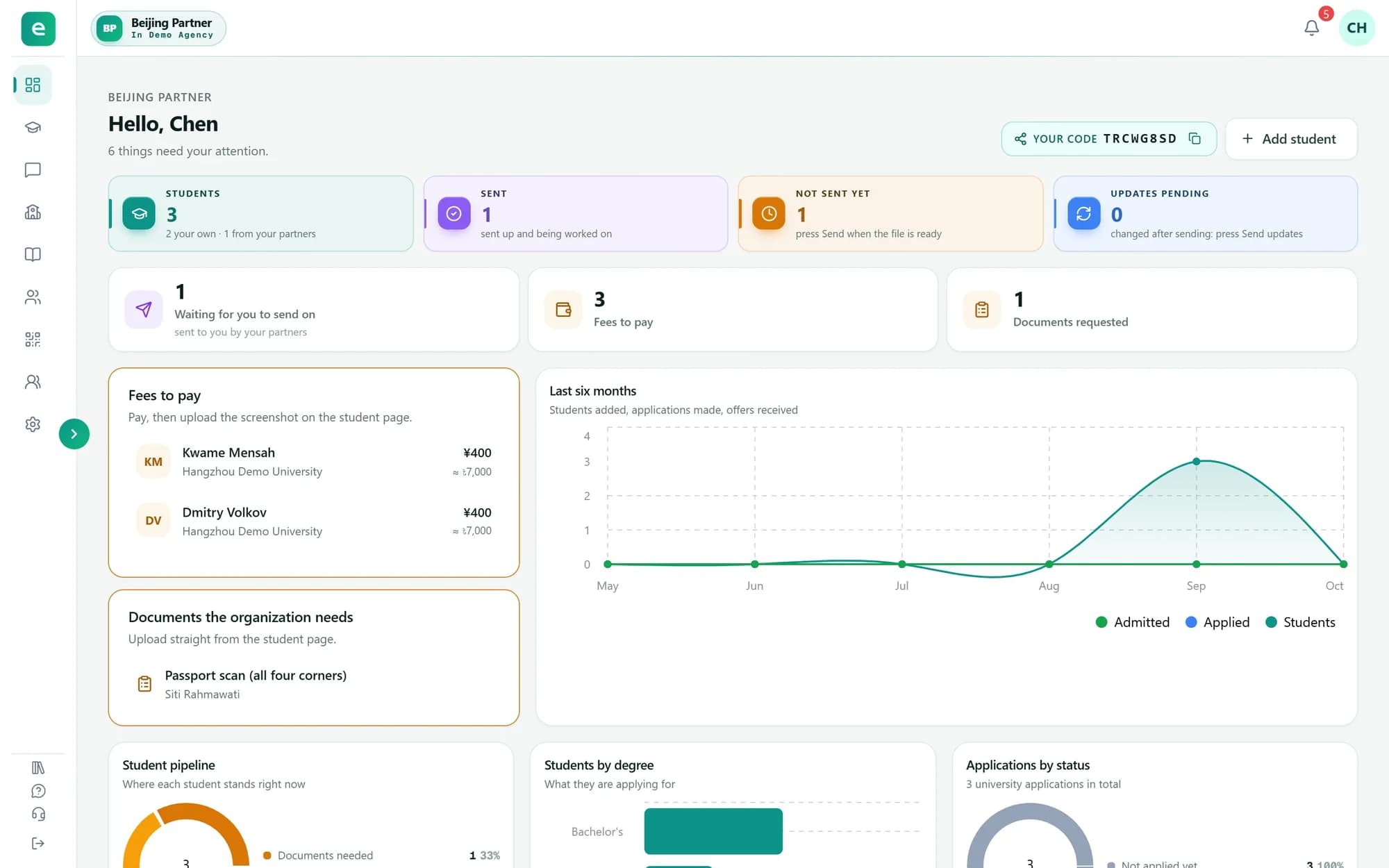
    Your partner desk

    For agencies that work with an organization: join with a code, add and send students, pay fees, and run your own team and sub-partners.

    6 minFor partners
EduApplify

The workspace where education agencies and their partners prepare students' university applications.

Product

  • Features
  • Pricing
  • Chrome extension

Learn

  • Tutorials
  • Help centre
  • FAQ

Company

  • Contact
  • Terms
  • Privacy
© 2026 EduApplify
EN·中文