
One student record. Every form filled.
EduApplify reads your students' passports and transcripts into one application, then fills each university's own forms and online portal from it. Your team and your partner agencies work on the same record.
- 50 free credits
- No card needed
- English & 中文
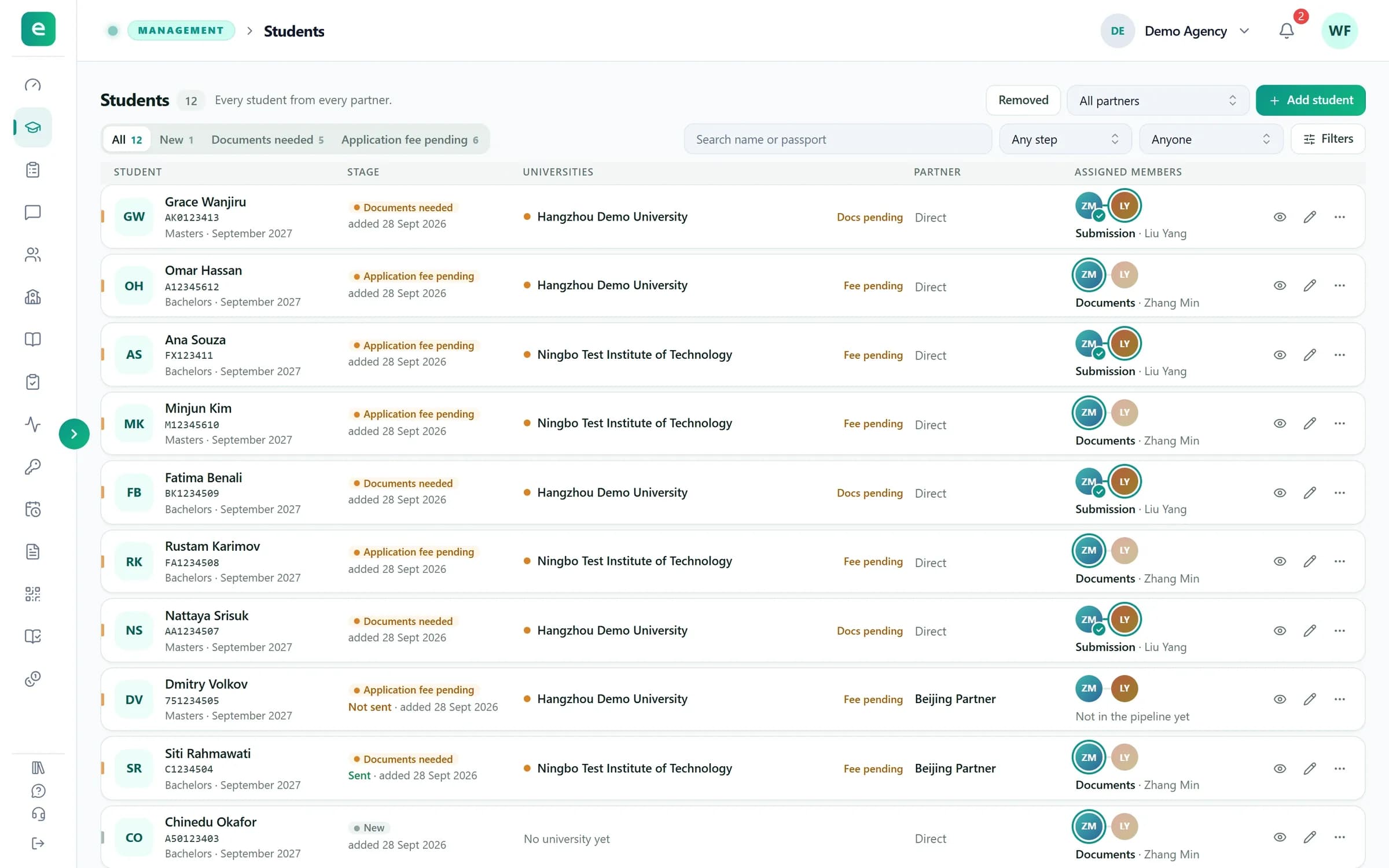
Everything an agency does, in one workspace
- Reads passports & transcripts
- One form for 7 degree types
- Fills universities' own forms
- Fills university portals
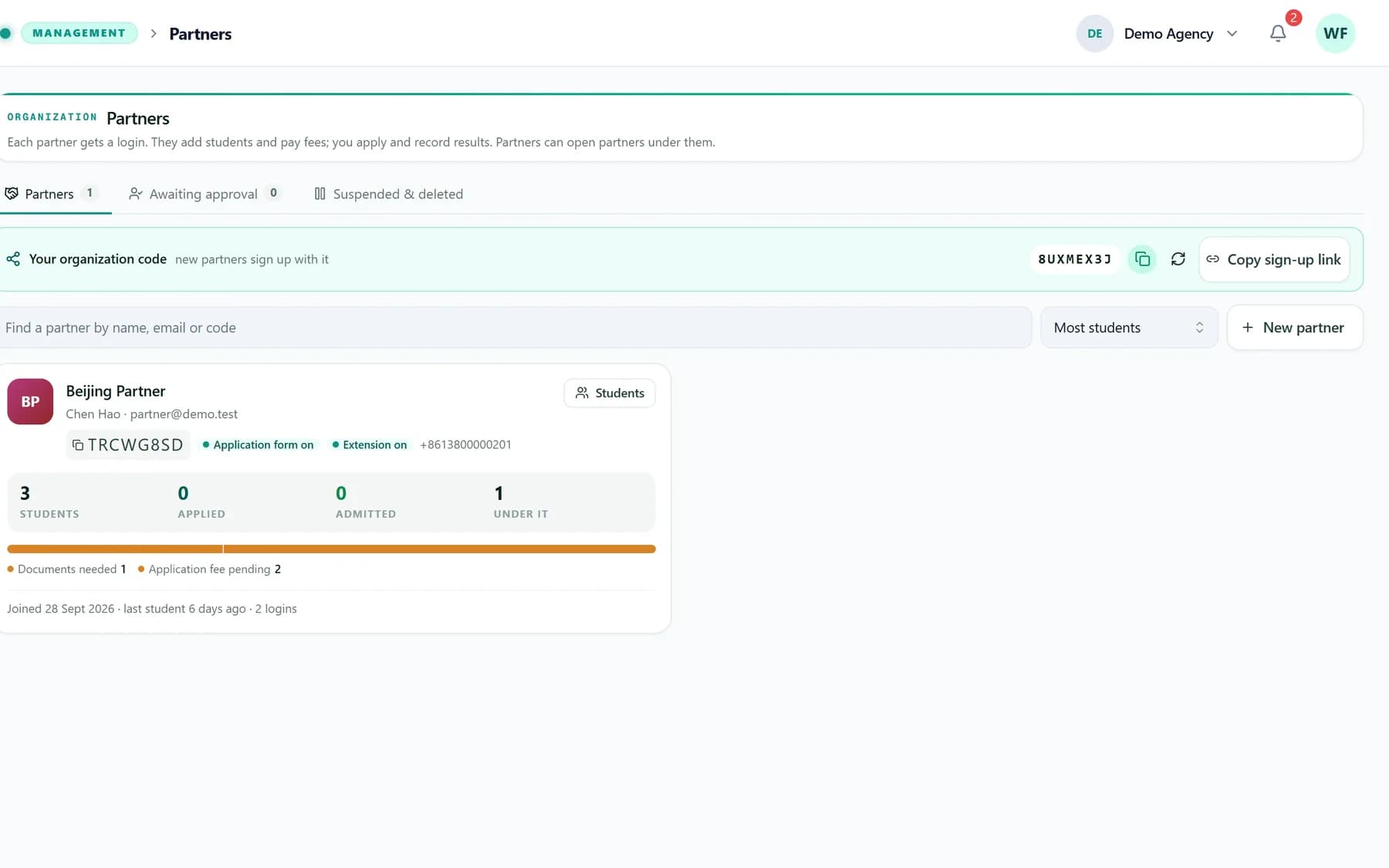
- Partners & sub-partners
- English & 中文
Watch a student go from passport to portal.
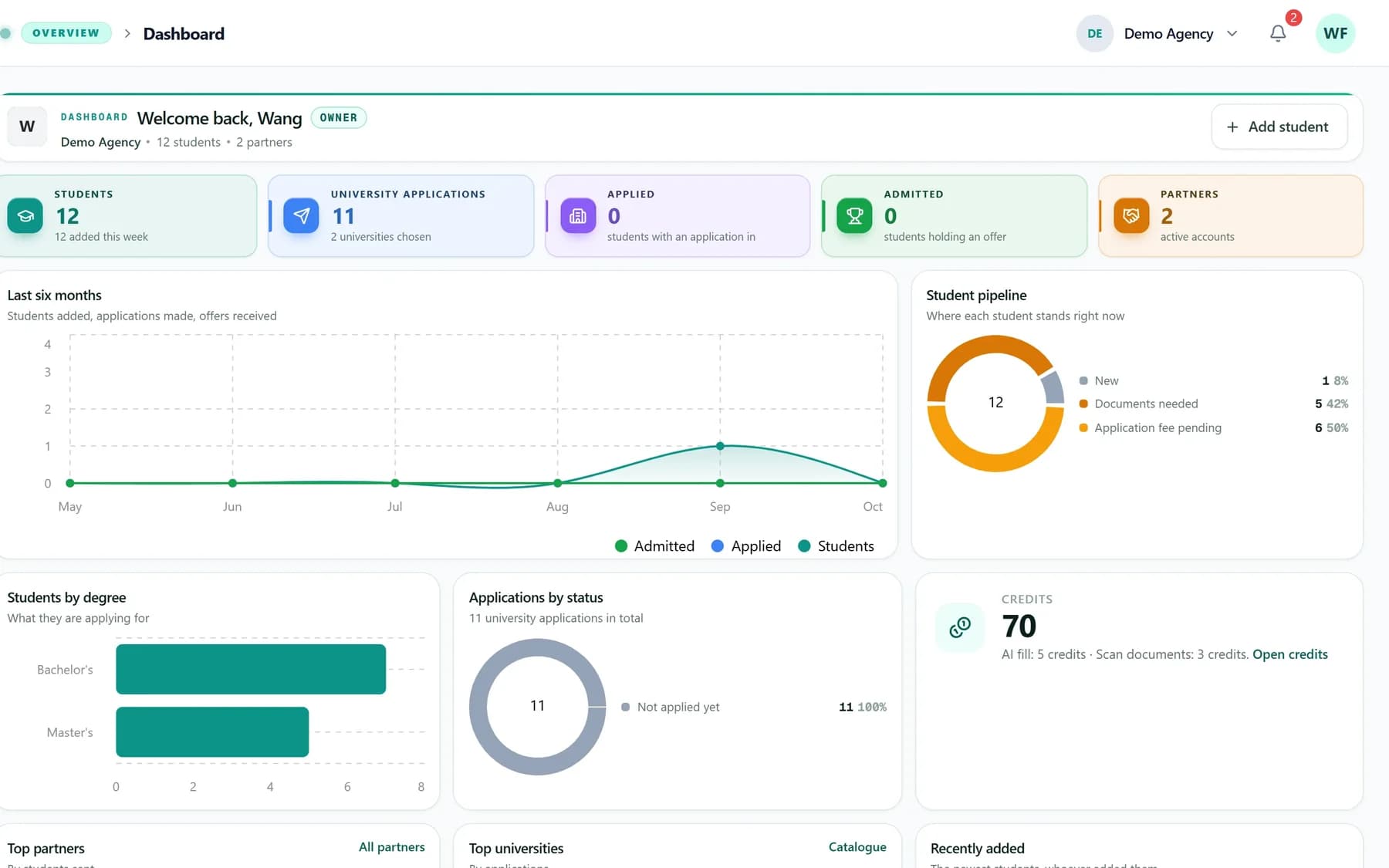
Real screens from EduApplify, filled with sample students.
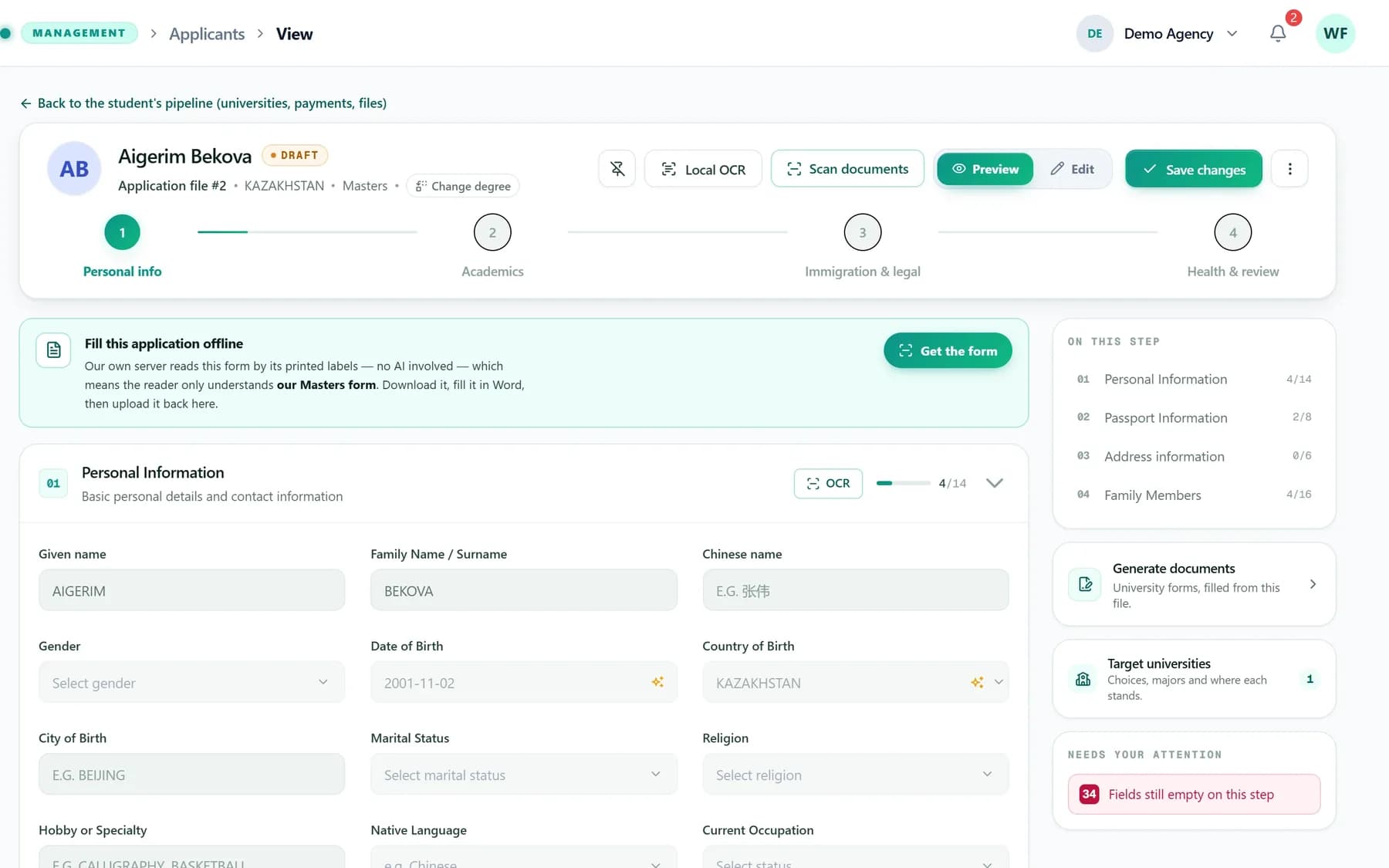
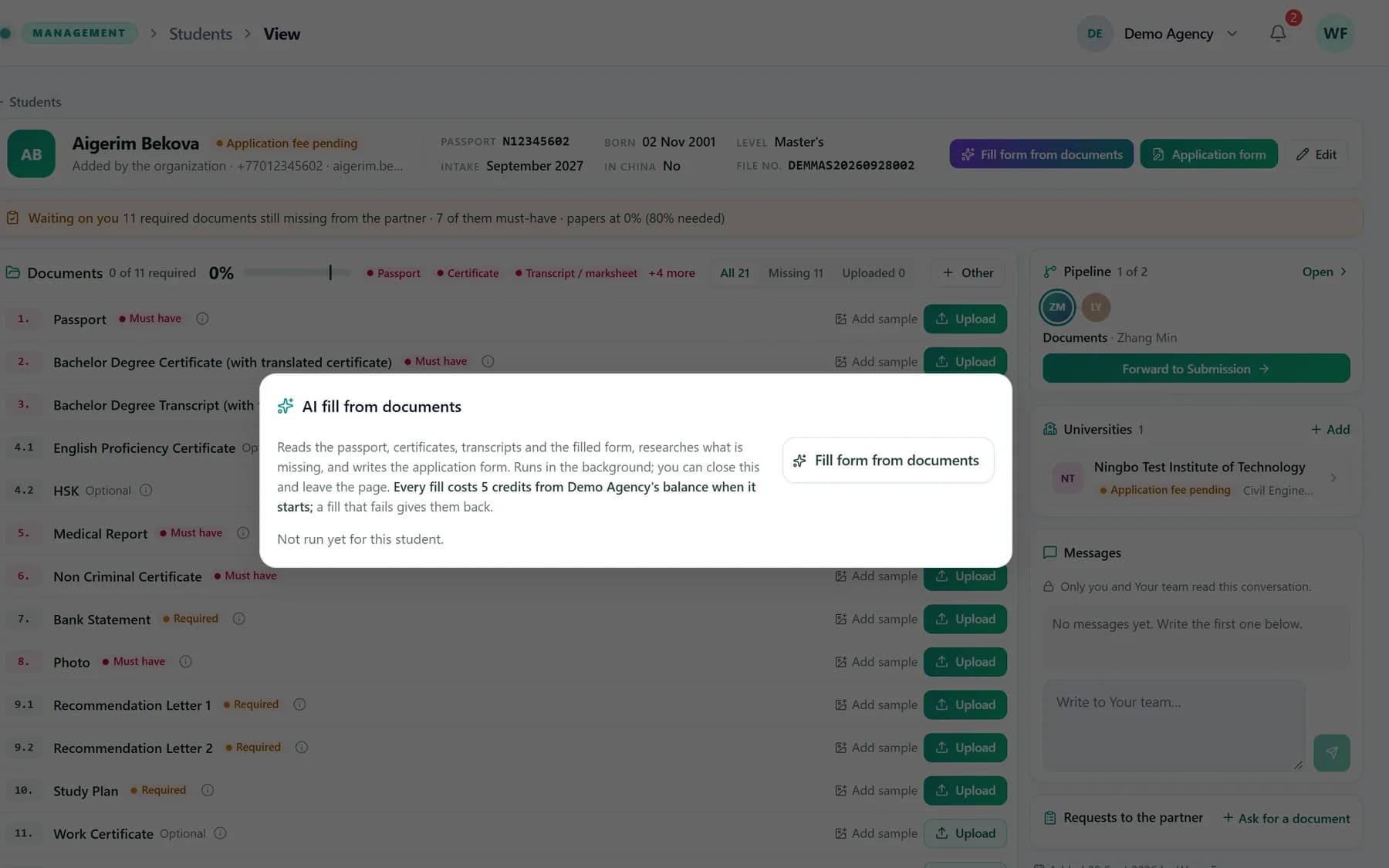
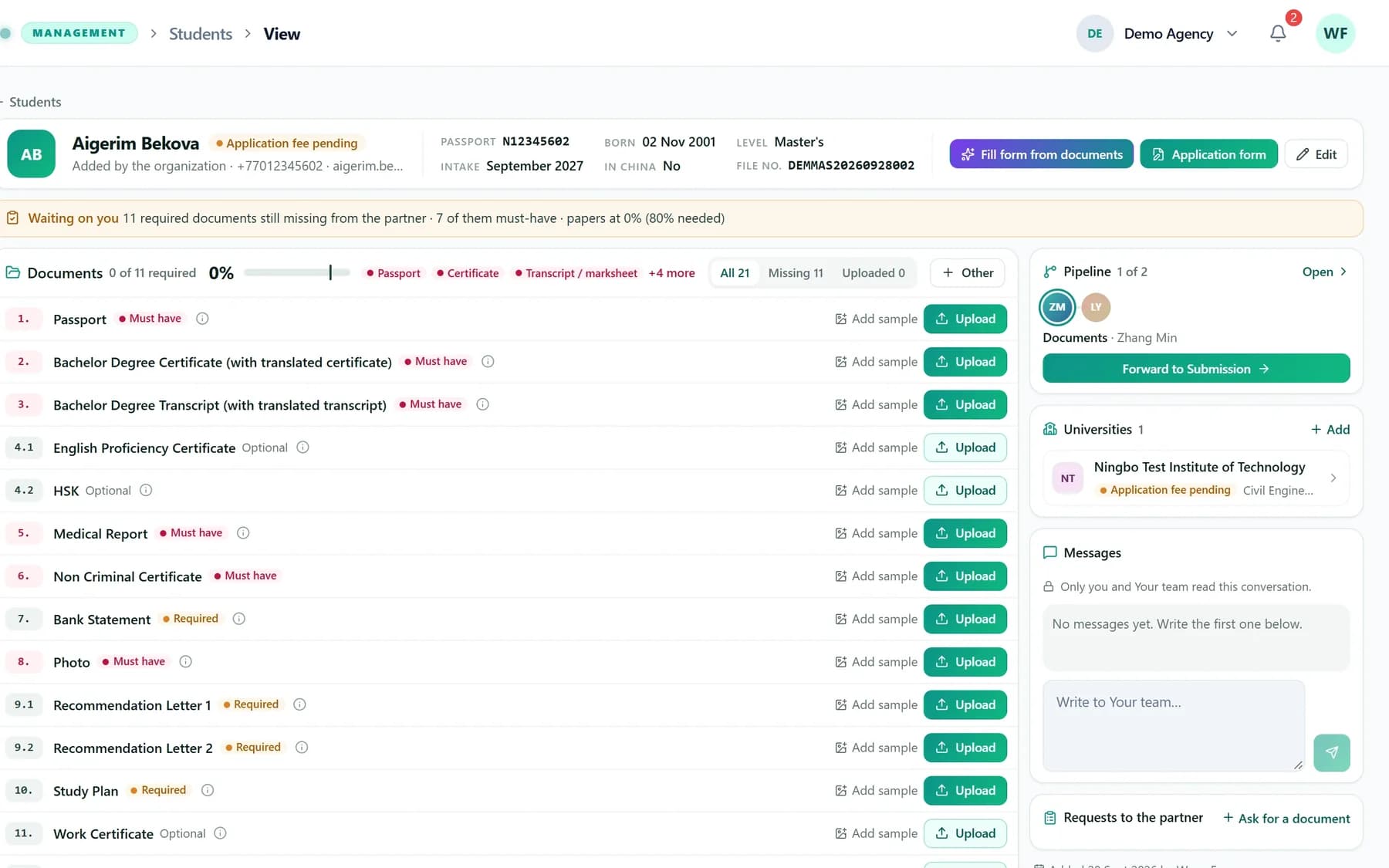
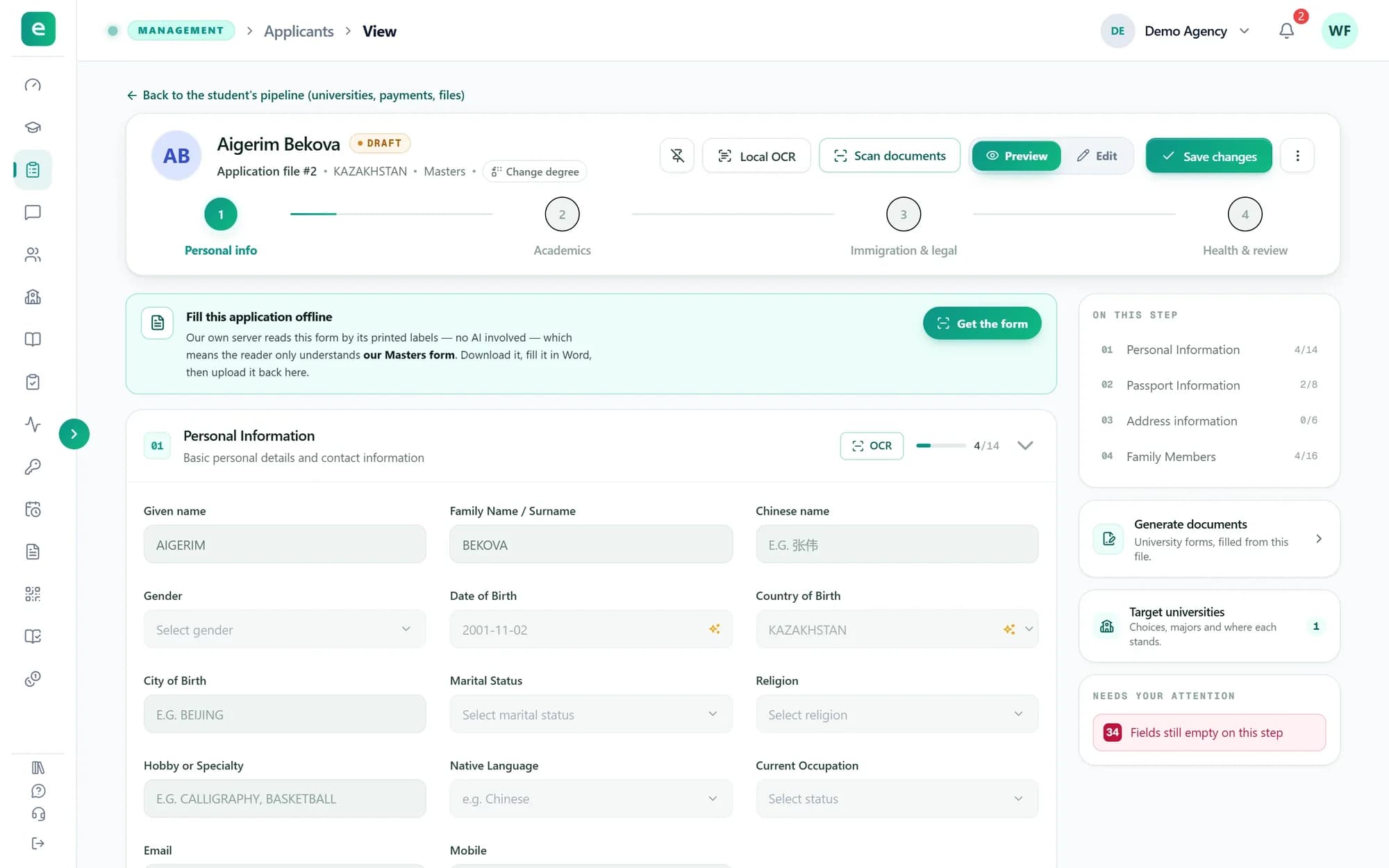
Scan documentsUpload a passport, a transcript or a certificate. Every section it covers fills itself, and you check each field before saving.
Enter it once. Use it everywhere.
The same name, passport number and school history go into the application, every university's forms and every portal. Typed by hand, each copy is another chance for a typo. Here it is read once and reused.
Documents
- passport.pdf
- transcript.jpg
- hsk-certificate.pdf
One application
- Name
- AIGERIM BEKOVA
- Passport no.
- N1234••••
- Date of birth
- 02/11/2001
- School
- Al-Farabi KazNU, Almaty
Filled from it
- The application form
- The university's Word form
- The university's Excel form
- The university's online portal
You check what was read before it is saved, and correct it in one place.
University portals, filled for you.
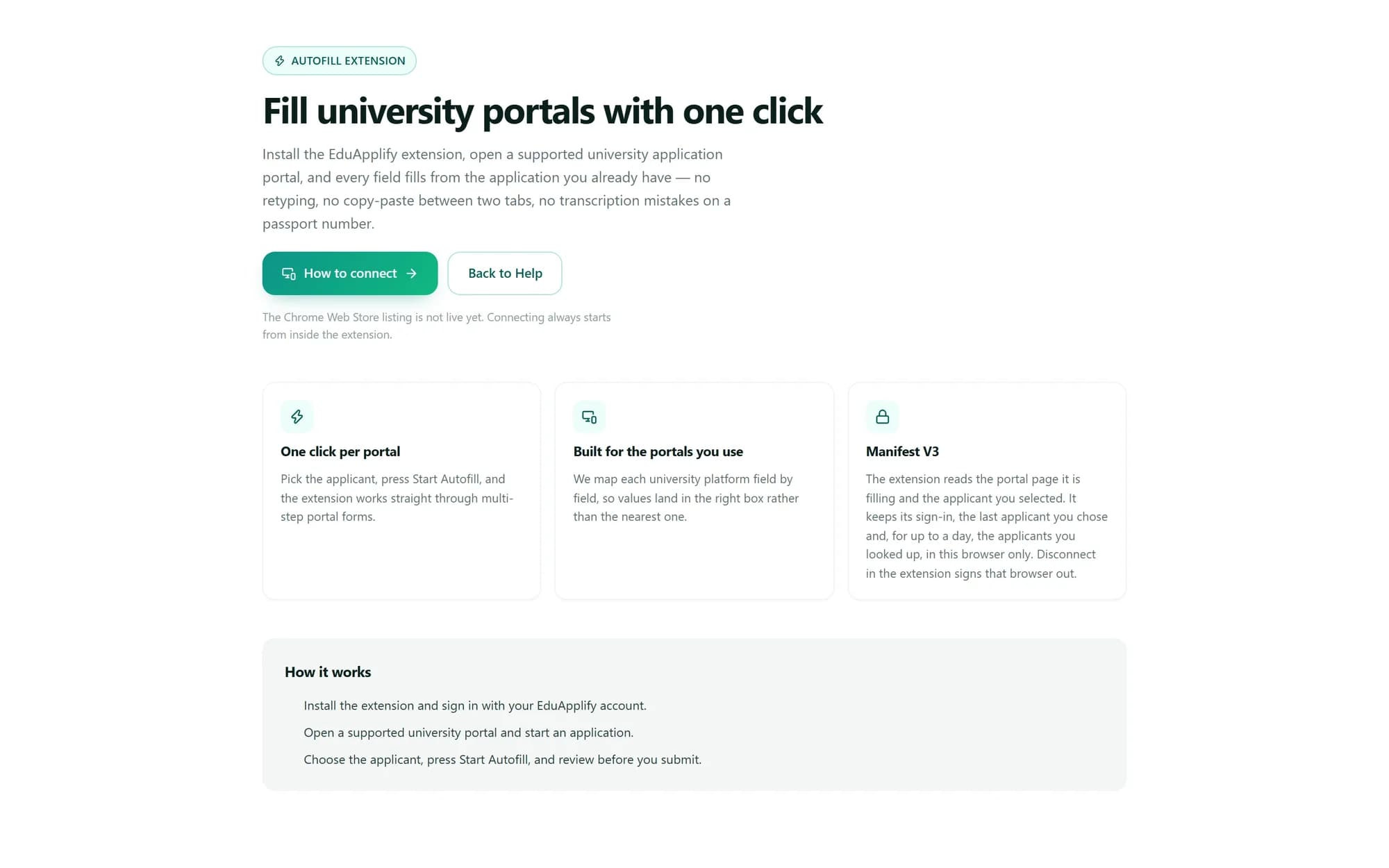
Open a supported university portal and the EduApplify extension fills it from the student's application. You check every page and press Submit yourself.
- 1 credit per portal fill
- The same student and portal again within 24 hours is free
- You decide which members may use it
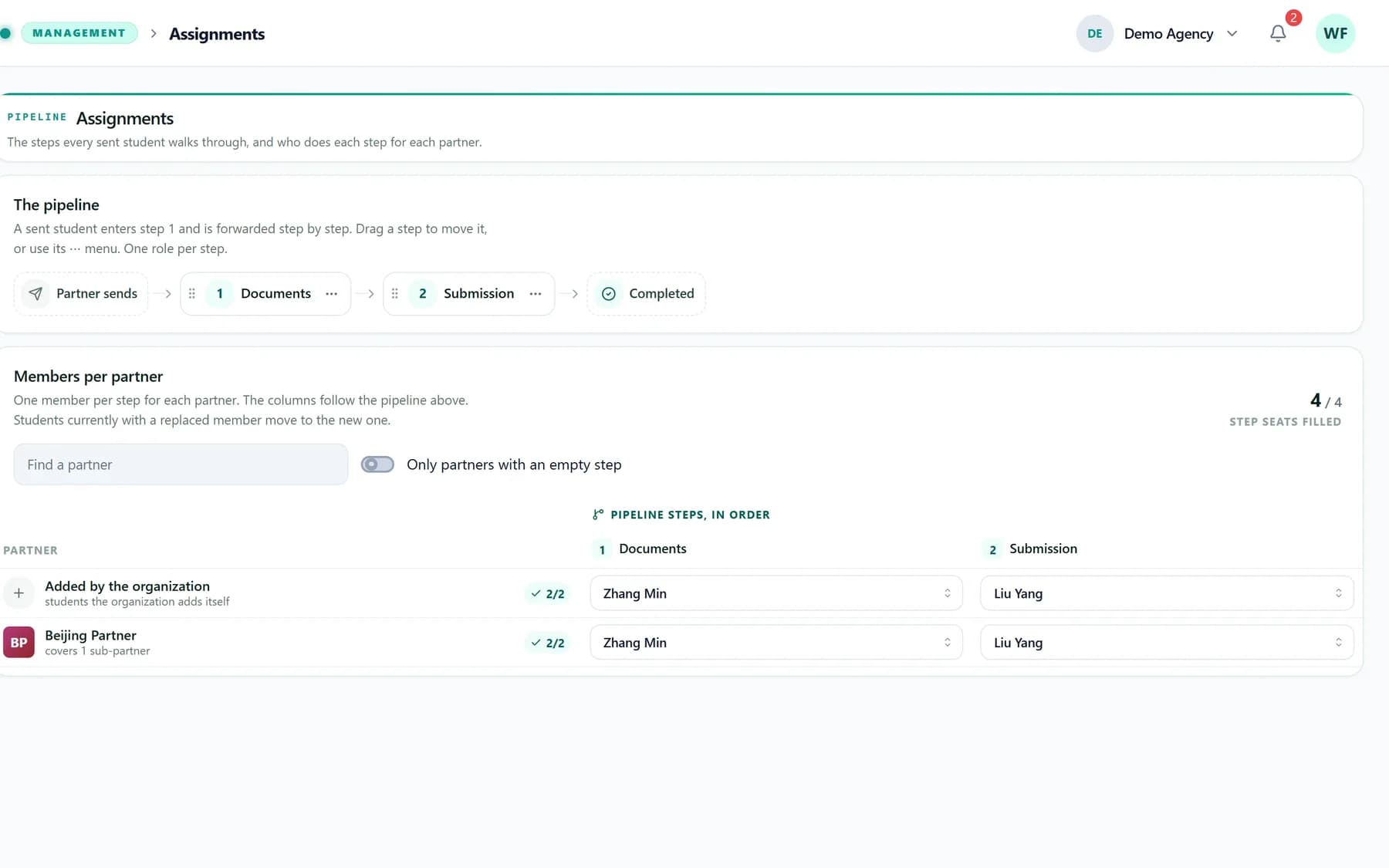
Your team and your partners, on the same record.
Roles decide who sees and changes what. Partners and sub-partners work inside your organization and never see past their own desk.
Your agency
Run the whole operation
Owners and staff manage students, universities, the team and the money, with reports on who holds which students.
- Custom roles and a pipeline of steps
- Your own university and programme catalogue
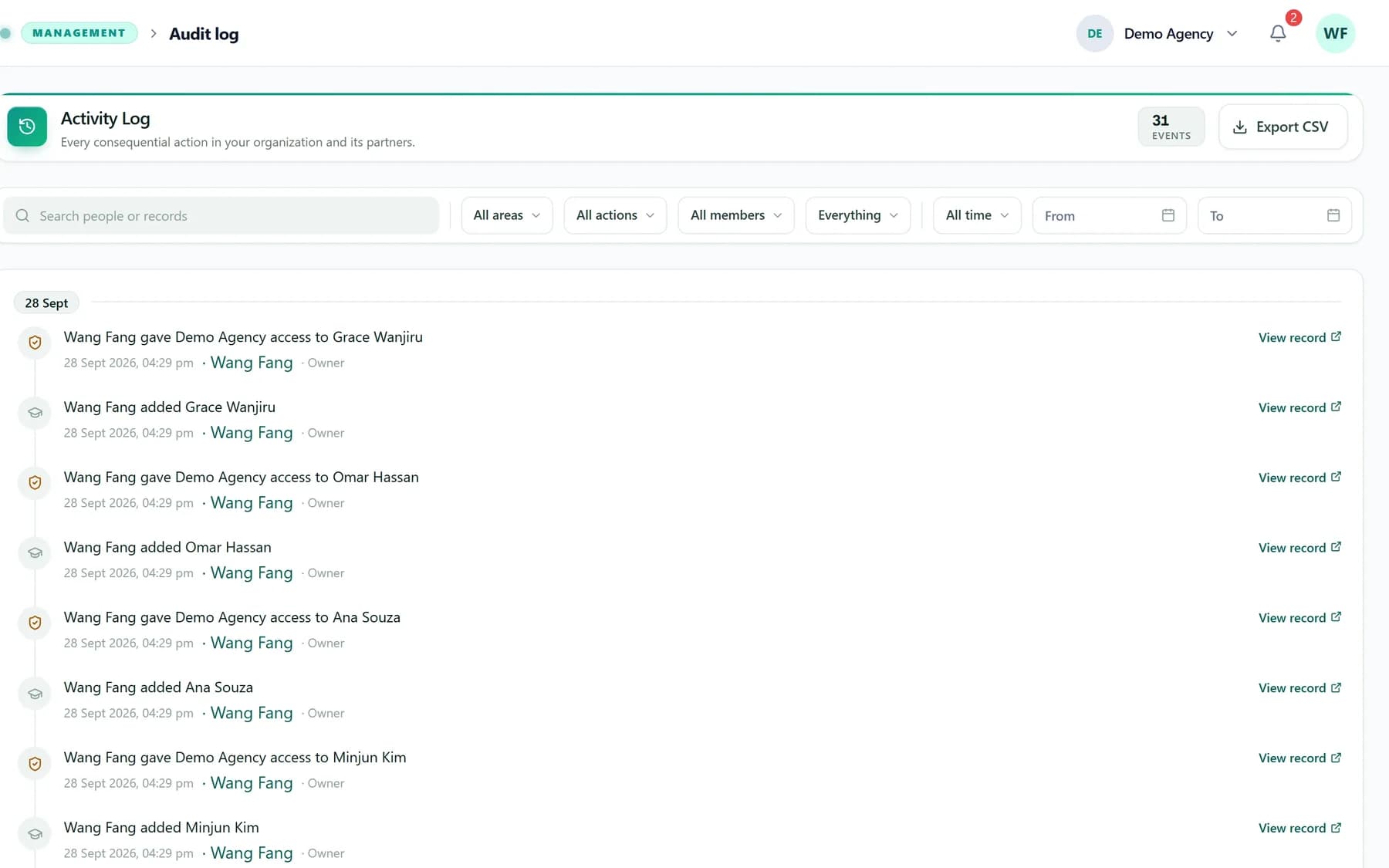
- Reports, workload and an activity log
- Your agencysees every student
- Beijing Partnerits own and its sub-partner's
- Shanghai Sub-partneronly its own
Open pricing. Pay only for the work done for you.
Students, applications, your team, partners and generated forms cost nothing. Credits pay for AI reading and filling, and for portal fills.
50credits
For the first organization you create. No card, no time limit.
- Every feature switched on
- No limit on students or team members
- Partners and sub-partners included
- More credits from support whenever you need them
- Scan one sectionA passport, a transcript, one part of the form1 credit
- Scan documentsOne document read into every section it can fill3 credits
- AI fillThe whole application filled from the student's files5 credits
- Fill a university portalThe same student and portal again within 24 h is free1 credit
- Read our printed formWord, Excel, a text PDF or a scan of the form we give youFreewhile you have credits
If a scan or a fill fails, its credits come back. At zero only the scans (reading our printed form included), the AI fill and the extension pause: everything else keeps working and nothing is deleted.
Estimate a month
Move the sliders to match a typical month.
210
credits a month
About 10.5 credits per student.
Your first 50 free credits cover about 4 students like these.
An estimate from the price list above, not a bill.
Built for data you are trusted with.
Passports, transcripts and family details deserve more than a shared spreadsheet.
- Separate by designEvery organization's students, catalogue and own forms are its own. Other organizations cannot find them.
- Least accessRoles decide who sees which students and who may change what.
- A full activity logEvery consequential change is recorded, with who did it and when.
- Undo a deletionA deleted organization can be restored for 10 days, credits included.
Learn it in minutes.
Short guides with real screenshots, from creating your organization to filling your first university portal.
What is a credit?
A credit pays for work done for you: reading a document with AI, filling an application with AI, or filling a university portal with the extension. Everything else, from students to generated forms, costs nothing.
What happens when the credits run out?
The AI scans, the AI fill, reading our printed form and the extension pause. Everything else keeps working and nothing is deleted. Once credits are added, they work again.
How do I get more credits?
There is no online payment yet. Contact support and say how many credits your organization needs; the support team adds them to your balance.
Can our partners use it?
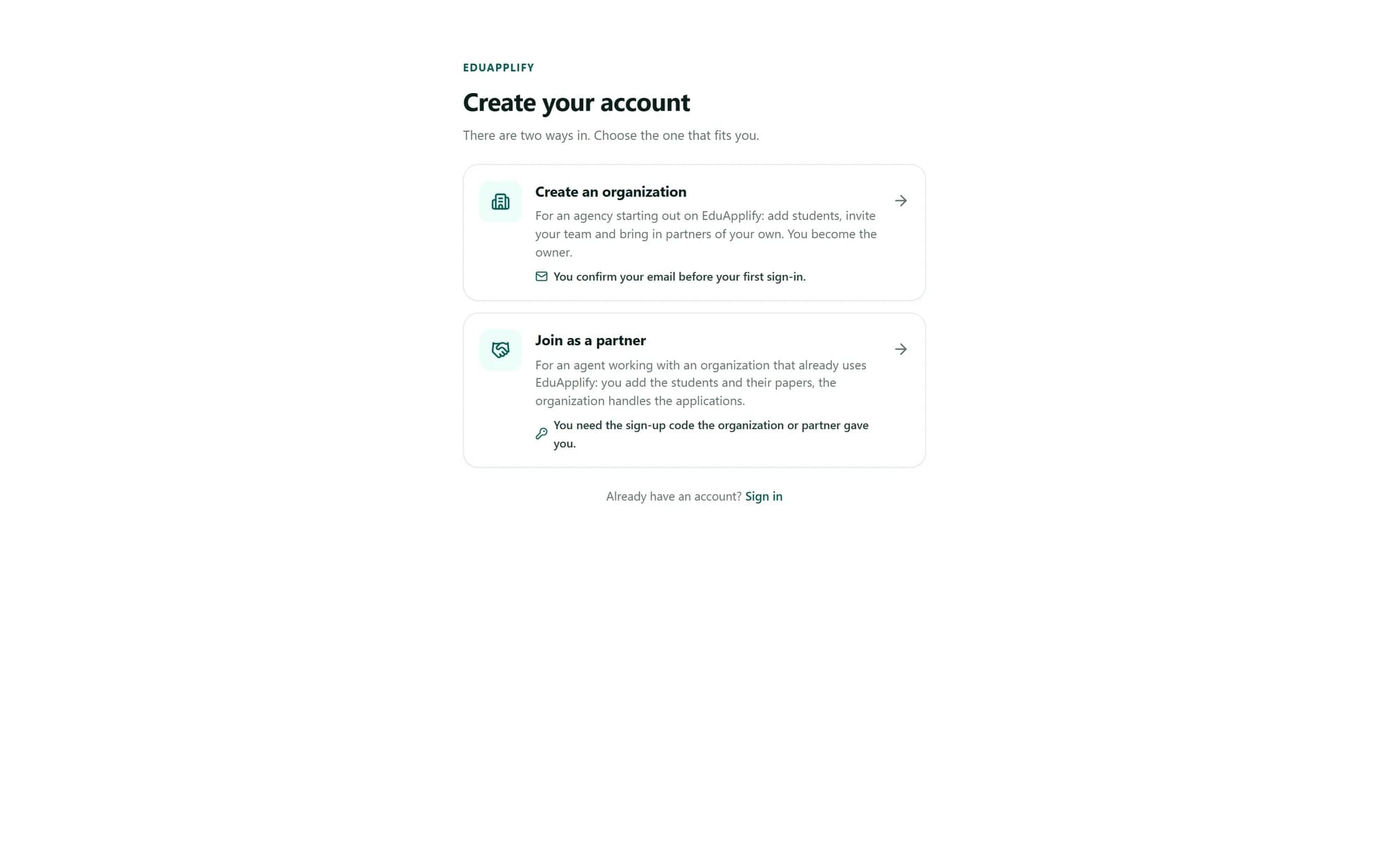
Yes. Share your sign-up code or link: a partner signs up, you approve them, and they add their own students. You can also create a partner's login yourself. A partner can bring in sub-partners with its own code.
Whose credits do partners use?
Your organization's. When a partner scans a document or fills a portal, the credits come from your balance, and partners never see the balance itself.
Can other agencies see our students?
No. Every organization's students, catalogue and own forms are separate, and within yours, roles decide who sees what.
Do I need to install anything?
No. EduApplify runs in your browser. The Chrome extension is only needed to fill university portals.
Can I run more than one organization?
Yes. One login can belong to several organizations: switch between them from the organization's name at the top of the screen. The free credits go to the first organization you create; later ones start at zero.
Spend your time on students, not on forms.
Create your organization in a few minutes. Your first organization gets 50 free credits.